
Oleh PremiumWP di WordPress Plugins
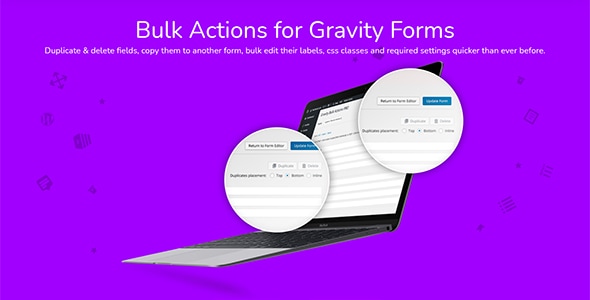
Duplicate & delete fields, copy them to another form, bulk edit their labels, css classes and required settings quicker
Download Bulk Actions Pro for Gravity Forms (by JetSloth) 1.4.8 – Duplicate & delete fields, copy them to another form, bulk edit their labels, css classes and required settings quicker than ever before. Bulk field selection Bulk Actions for Gravity Forms WordPress Plugin offers users 1 click selection options to select all, none or inverted selections. Once you’ve selected the fields you need, your all set to start optimising your forms. Selecting the right fields you need quickly has never been easier in Gravity Forms, and we’re just getting started. Delete and duplicate multiple fields Bulk edit fields allows for quick editing options across selected fields. Edit individual field labels, add field class names, or set the required status across multiple fields. Need to apply the same option to all your fields? We’ve got you covered! With Bulk Actions fro Gravity forms – multi-select any form fields and instantly duplicate them inline to streamline your Gravity Forms workflow. Bulk reorder fields Bulk Actions for Gravity Forms reorder function makes for super quick drag drop of individual or multiple form fields a breeze. Get your form fields in the order you want in seconds. Select 1 or all your fields and reorder your fields with ease. Copy fields to other forms Ever needed to copy a group of fields from a form into either a new or existing form? The ‘Copy to form’ function in Bulk Actions for Bulk Actions for Gravity Forms WordPress Plugin allows you to quickly build new forms based on preexisting fields across all your forms. This is great for users that find themselves reusing similar form fields across a number of gravity forms.
Related products: Meta Box User Profile, WooCommerce Custom Fields for Variations (by Iconic), Ninja Forms – Zoho CRM
🔗 Butuh bantuan? Baca panduan Cara Instalasi & Update atau kunjungi halaman Informasi Produk.
Get the updates, offers, tips and enhance your page building experience
Up to Top


Comments